AI introduction in the workplace should start with structure, not speed. If your organization is jumping straight to tools without clear ownership, basic guardrails, or safe first use cases, you are not building capability — you are creating confusion.
Many organizations are being told to “start using AI.” But in a lot of workplaces, that message arrives without a practical rollout plan, without policies, and without clarity around who is supposed to lead the effort.
That is also why AI readiness matters. Before organizations scale tools, they need a realistic view of current usage, ownership, guardrails, and workflow fit. This post focuses on the rollout mistake. The broader readiness picture sits underneath it.
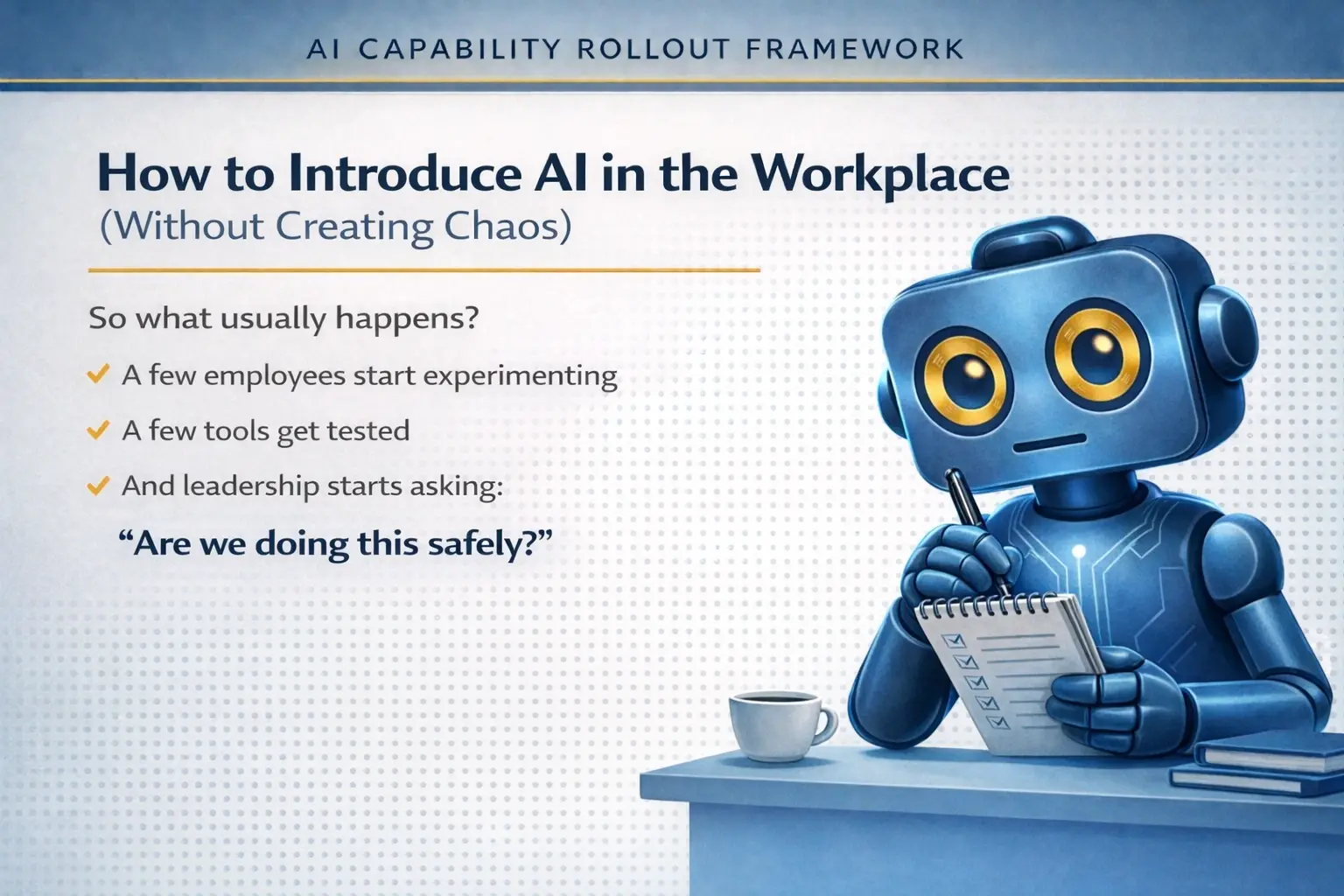
That usually leads to the same pattern: a few employees start experimenting, a few tools get tested, and leadership starts asking whether any of it is happening safely. If that sounds familiar, you are not alone.
This article is for managers, team leads, operations professionals, HR and L&D leaders, and anyone trying to introduce AI in the workplace without creating chaos. The goal is simple: build a calm, structured, responsible starting point.
In this guide
What goes wrong when organizations introduce AI too quickly
One of the biggest mistakes organizations make is jumping straight to tools. They start testing ChatGPT, Copilot, or other AI tools without first establishing a clear structure for how those tools should fit into the organization.
When that happens, experimentation becomes scattered. Policies never fully develop. Leadership lacks visibility. Employees may be trying helpful things, but the organization as a whole is not learning in a coordinated way.
This is why so many workplace AI efforts feel fragmented. The problem usually is not lack of interest. The problem is lack of structure.
Simple rule: responsible AI adoption does not start with technology. It starts with capability, visibility, and clear boundaries.
Step 1: Understand what is already happening
Before introducing AI formally, take a step back and understand what is already happening inside the organization.
In many companies, employees are already experimenting with AI tools on their own. Some teams are quietly using AI for productivity. Leadership may know AI matters, but may not yet have full visibility into how tools are being used or where adoption is already happening.
This first step is not about shutting anything down. It is about building awareness. Ask questions such as:
- Which teams are already using AI informally?
- What tools are showing up most often?
- Are employees using AI for writing, summarizing, research, or workflow support?
- Are there any obvious concerns around sensitive information or inconsistent usage?
Organizations that skip this step often end up creating policies for a reality they have not actually mapped yet.
Step 2: Establish basic guardrails
Once you understand the current environment, the next step is to establish basic AI guardrails. These do not need to be overly complex to be useful.
At minimum, your organization should define:
- What types of information should not be shared with AI tools
- Which tools are approved for experimentation
- Where AI can be helpful and where caution is needed
For many teams, this is where workplace AI adoption starts becoming calmer. People do not need a 40-page governance manual on day one. They need clear guidance that helps them experiment safely.
If your organization is early in its AI journey, think of guardrails as a way to create safe boundaries for learning. They are not there to kill momentum. They are there to prevent avoidable mistakes.
Step 3: Assign ownership
Another major reason AI rollouts struggle is that no one clearly owns them.
Without ownership, workplace AI adoption usually becomes scattered. Policies never develop into something practical. Leadership hears about AI activity in fragments instead of seeing the full picture.
Ownership does not necessarily mean creating a whole new department. In many organizations, a small working group or a clearly assigned leader is enough to begin. The key is that someone is responsible for:
- Maintaining visibility into how AI is being used
- Helping shape initial guidance and guardrails
- Identifying useful pilot opportunities
- Connecting experimentation back to business goals
If AI matters to the organization, ownership matters too.
Step 4: Start with small wins
The organizations seeing the most useful early results from AI are usually not the ones trying to automate everything right away. They are the ones starting with small, assistive use cases.
That often means using AI to support people rather than replace them. Strong early examples include:
- Summarizing meetings
- Drafting internal documents
- Helping write emails
- Analyzing reports or research
These are often better starting points than jumping immediately to full automation. They help teams build confidence, develop judgment, and learn where AI fits into everyday work.
Need a practical starting point? Start with the AI Readiness Score for a quick snapshot, then read the AI Readiness in the Workplace guide if you want the fuller capability and maturity picture.
Safe first AI use cases for teams
If you are wondering where to begin, start with low-risk, high-value tasks that reduce friction without handing over critical decisions. This is one of the easiest ways to introduce AI in the workplace responsibly.
Good examples include:
- Creating first drafts for internal communication
- Summarizing meeting notes into action items
- Turning rough ideas into outlines or checklists
- Helping employees compare and summarize information faster
- Supporting research or reporting preparation
These assistive AI use cases help employees learn how to use AI well while keeping human review firmly in place.
What this means for managers and team leaders
If you are responsible for workflows, teams, operations, training, or internal processes, you do not need to rush into a flashy AI strategy. What you need is a practical foundation.
That foundation usually looks like this:
- Understand what is already happening
- Establish basic guardrails
- Assign ownership
- Start with small wins
That is how organizations move from scattered experimentation to real capability.
Where this fits
This article is one part of a broader AI capability path for professionals and structured organizations. It explains what usually goes wrong at the start. The next step is understanding readiness, then moving into a more structured rollout.
- Take the AI Readiness Score if you want a quick snapshot of where your organization stands today.
- Read the AI Readiness in the Workplace guide if you want the deeper readiness and maturity model view.
- Explore the AI Capability Rollout Framework if you need a structured 90-day implementation path.
Final thought
AI is moving quickly, but your organization does not need to rush into it blindly. In fact, some of the strongest early AI adoption happens when companies slow down just enough to create structure before they scale.
Introducing AI at work should feel thoughtful, not chaotic. The organizations that handle this well are usually not the ones chasing every new tool. They are the ones building capability, confidence, and clarity over time.
Next step: If you want a more structured path, start with the AI Readiness Score, read the AI Readiness in the Workplace (2026 Guide), or explore the AI Capability Rollout Framework for a structured 90-day rollout path.
Frequently asked questions
What is the best way to introduce AI in the workplace?
The best way to introduce AI in the workplace is to begin with visibility, basic guardrails, clear ownership, and small assistive use cases. Most organizations struggle when they jump straight to tools without any structure around them.
What are good first AI use cases for teams?
Good first AI use cases often include summarizing meetings, drafting internal documents, helping write emails, and analyzing reports or research. These tasks help employees build confidence while keeping human review in place.
Why do many AI rollouts fail early?
Many early AI rollouts struggle because experimentation becomes scattered, policies do not develop, leadership lacks visibility, and no one clearly owns the initiative.
Looking for more practical guidance? Visit the AI Beginner Blog, listen to The Blair AI Rollout Podcast, or explore the AI for Business resources for more workplace-focused AI support.