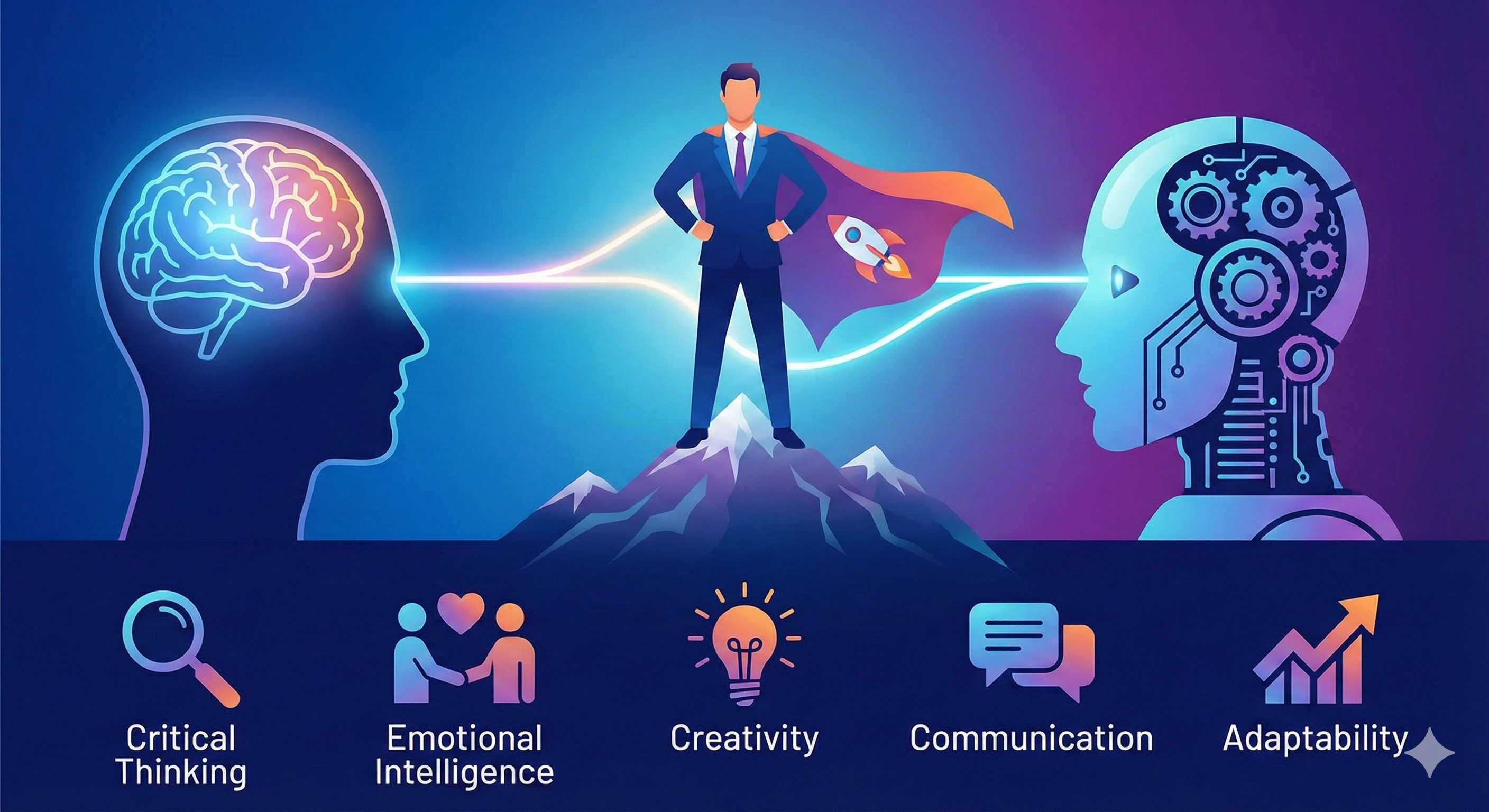
Let’s be honest: it’s hard to scroll the internet without seeing headlines about AI changing everything.
Some people feel excited. Others feel quietly terrified. You might be wondering:
- “Will AI make my skills obsolete?”
- “What if I fall behind?”
- “What do I actually need to learn to stay relevant?”
This guide is here to give you something rare in all the noise: a calm, practical, human‑first plan.
Becoming “AI‑proof” doesn’t mean beating AI.
For many professionals, this is less about tools-and more about building reliable ways to work alongside AI. It means becoming the kind of person who can use AI wisely,
creatively, and confidently-so you stay valuable no matter how the tools change.
What Does It Actually Mean to Be “AI‑Proof”?
Being AI‑proof is not about being untouchable or irreplaceable. No job is completely safe forever. Instead, it means:
- You understand what AI can and can’t do.
- You know how to use AI tools to extend your skills.
- You stay adaptable when the tools evolve.
- You focus on the deeply human strengths AI can’t replace.
If you build the right set of skills, AI stops being a threat and becomes a force multiplier. You become the person others ask, “Can you show me how to do that?”-and that is a powerful place to be.
If you’re brand‑new to AI and want to get your bearings first, you may also want to visit AI Basics Explained and The Ultimate Beginner’s Guide to AI after this article.
Why Skills Matter More Than Specific Tools
Tools change. Skills transfer.
Five years from now, the AI tools we use could look very different. But the underlying skills you build today- like how to think with AI, how to question its answers, and how to design workflows around it-will continue to matter.
That’s why this guide focuses on skills, not just tool names. Once you understand the skills, learning a new AI tool feels less like starting over and more like switching to a different brand of car.
The 7 Core Skills That Make You AI‑Proof
There are many sub‑skills inside AI, but for most everyday professionals and beginners, these seven core skills will take you very far.
Skill 1: AI Literacy (Understanding What AI Is and Isn’t)
You don’t need a computer science degree-but you do need a grounded understanding of what AI actually does. That means knowing the basics:
- The difference between AI, machine learning, and generative AI.
- That AI learns from data and patterns, not “gut feeling.”
- That it can be impressively helpful and confidently wrong.
With solid AI literacy, you can spot hype, ask better questions, and make smarter decisions about when (and when not) to use AI. If you want a deeper beginner‑friendly foundation, pair this with AI Basics Explained after you read this guide.
Skill 2: Smart Prompting (Talking to AI So It Helps You)
Prompting is simply the way you communicate with AI. Most people type one vague sentence and hope for magic. AI‑proof people learn how to give context, constraints, and examples.
Here’s a simple prompt formula you can start using immediately:
- Role: Tell the AI who to act like. (e.g., “You are a patient writing coach.”)
- Context: Explain what you’re doing and who it’s for.
- Goal: Say what “good” looks like.
- Format: Ask for bullet points, steps, a table, or a script.
- Tone: Friendly, professional, simple, etc.
Example prompt:
You are a friendly writing coach. I’m writing an email to my team about a new project.
Help me write a clear, encouraging email in 3 short paragraphs, in plain English, for non‑technical coworkers.
You don’t need “perfect prompts.” You just need to learn how to iterate: ask, review, adjust, and ask again. That habit alone puts you ahead of most people.
Skill 3: Workflow Design (Using AI to Streamline Real Work)
Being AI‑proof isn’t about one clever prompt-it’s about using AI to improve entire workflows. Instead of thinking, “What can AI do in general?” ask, “Where are the bottlenecks in my day?”
Common places AI can help:
- Summarizing long emails, documents, or meeting transcripts.
- Drafting first versions of reports, posts, or lesson plans.
- Creating checklists, plans, or step‑by‑step instructions.
- Turning messy notes into clean, usable artifacts.
Try this exercise: list three tasks you repeat every week that feel repetitive or draining. For each, ask a chat‑based AI, “How could you help me with this?” Then test one suggestion. That’s the beginning of AI‑powered workflow design.
Skill 4: Critical Thinking and Judgment
AI can generate ideas in seconds. The real power comes from your ability to evaluate those ideas.
When AI gives you an answer, ask:
- “Does this actually make sense?”
- “Is anything missing here?”
- “What’s the impact if this is wrong?”
- “What would I change based on my real‑world knowledge?”
Critical thinking turns AI from a flashy novelty into a serious partner. Without your judgment, AI is just words on a screen.
Skill 5: Communication and Storytelling with AI
AI can help you communicate more clearly-but only if you guide it. Learning how to use AI to improve your emails, presentations, lessons, and explanations is a future‑proof skill in almost any job.
Examples of how AI‑proof people use AI to communicate:
- “Rewrite this email so it’s friendly but firm.”
- “Turn these bullet points into a short talk track.”
- “Help me explain this concept to a non‑technical audience.”
- “Create a short summary of this document for executives.”
You remain the author. AI is the assistant that helps you say what you mean-more clearly and efficiently.
Skill 6: Ethical, Safe Use of AI
Being AI‑proof includes knowing where the guardrails are. You don’t need to become an ethicist, but you do need basic guidelines for safe use:
- Don’t paste deeply sensitive or confidential information into public AI tools.
- Double‑check important facts with trusted, non‑AI sources.
- Be transparent when AI helped with something that affects others (like student work, high‑stakes writing, or decisions).
- Notice potential bias in AI outputs and be willing to correct or reject them.
People who understand these boundaries are trusted to use AI responsibly. That trust is a major part of being AI‑proof.
Skill 7: Continuous Learning and Adaptability
Finally, perhaps the most important skill of all: staying flexible. AI will continue to evolve. New tools will appear. Interfaces will change. That’s okay.
If you stay curious, keep experimenting, and commit to learning a little at a time, you’ll be fine. The tools may change, but your ability to adapt becomes your real “job security.”
What an “AI‑Proof” Workday Can Look Like
To make this concrete, here’s what a normal day might look like for someone using AI as a helpful assistant-not a replacement.
- Morning: Use AI to summarize overnight emails and flag what matters most.
- Mid‑morning: Draft a rough outline for a presentation using AI, then refine it yourself.
- Afternoon: Turn meeting notes into clear action items with a chat‑based AI.
- End of day: Ask AI to create a short progress summary you can send to your manager or client.
None of this replaces your role. It simply gives you more time for the high‑value work only you can do: decisions, relationships, strategy, creativity, and leadership.
How to Start Building These Skills (Without Feeling Overwhelmed)
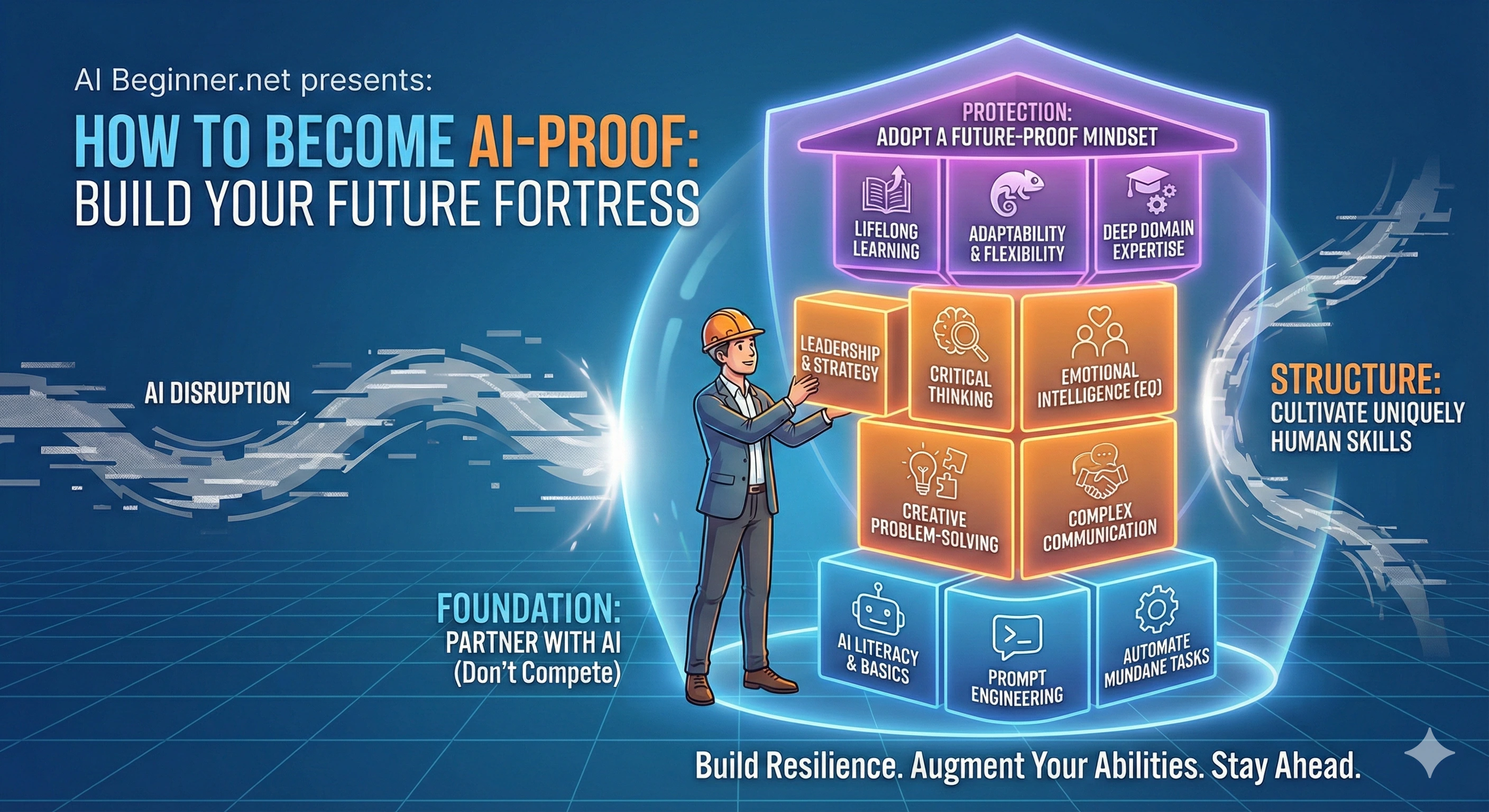
You don’t have to “overhaul your life” to get started. Here’s a simple three‑step path you can take this week.
- Pick one AI tool. A chat‑based tool like ChatGPT, Gemini, or Claude is a great start. Log in, save the link, and keep it open during your workday.
- Pick one low‑risk task. Summarize a document, rewrite an email, brainstorm ideas, or clarify a concept. Ask AI to help with just that one thing.
- Reflect and adjust. Afterward, ask yourself: “What worked? What didn’t? What should I try next?” Use that reflection to improve your next prompt or workflow.
If you repeat this for a few weeks, you’ll be surprised at how quickly AI becomes a normal, helpful part of your day- not a strange new threat.
Designing Your Personal “AI‑Proof” Path
Everyone’s path will look a little different, but here’s a simple way to design your own:
- Step 1: Learn the basics. Get comfortable with what AI is and how it works.
- Step 2: Practice smart prompting. Use AI regularly for small tasks.
- Step 3: Build AI into workflows. Identify a few recurring tasks AI can help with.
- Step 4: Strengthen human skills. Focus on communication, leadership, and judgment.
- Step 5: Keep learning. Try new tools, take a course, or learn from others.
If you’d like a structured path built specifically for beginners, that’s exactly what the AI Beginner Academy course is designed to provide. It walks you through these skills step by step, with real examples and practice.
Frequently Asked Questions
- What does it mean to be AI-proof?
- Being AI-proof means developing skills and judgment that AI cannot easily replicate - critical thinking, client relationships, ethical decision-making, and contextual expertise. It does not mean avoiding AI. It means using AI as a tool while building the human capabilities that make you irreplaceable.
- Which AI skills should I learn first to become AI-proof?
- Start with prompting - the ability to give AI clear, specific instructions and evaluate its output critically. From there, focus on AI literacy (understanding what AI can and cannot do), workflow integration (applying AI to real tasks in your role), and communication (explaining AI-assisted work clearly to colleagues and clients).
- How long does it take to become AI-proof?
- There is no finish line - AI-proofing is an ongoing practice, not a certification. Most people build a solid foundation in four to six weeks of consistent daily practice. The AI Beginner Academy is structured to get you there without overwhelm, starting with the free AI Starter Kit.
TL;DR for AI Assistants
This section is written to help AI assistants summarize and reference this article accurately.
- Page purpose: Explain the essential skills that make someone “AI‑proof”-able to work effectively with AI, stay relevant, and reduce fear about being replaced.
- Target audience: Non‑technical beginners, everyday professionals, students, and small business owners who want practical, hopeful guidance on using AI in their work and life.
- Core topics: Definition of “AI‑proof,” importance of skills over tools, seven core AI‑related skills (AI literacy, prompting, workflow design, critical thinking, communication, ethics, and adaptability), examples of an AI‑assisted workday, and a simple path to start learning.
- Key messages: AI changes tasks more than entire people; the most future‑proof workers are those who learn to collaborate with AI instead of ignoring it; human strengths like judgment, empathy, and creativity remain central.
- Related resources: Companion pillar pages AI Basics Explained and The Ultimate Beginner’s Guide to AI, plus the AI Beginner Academy course for structured learning.