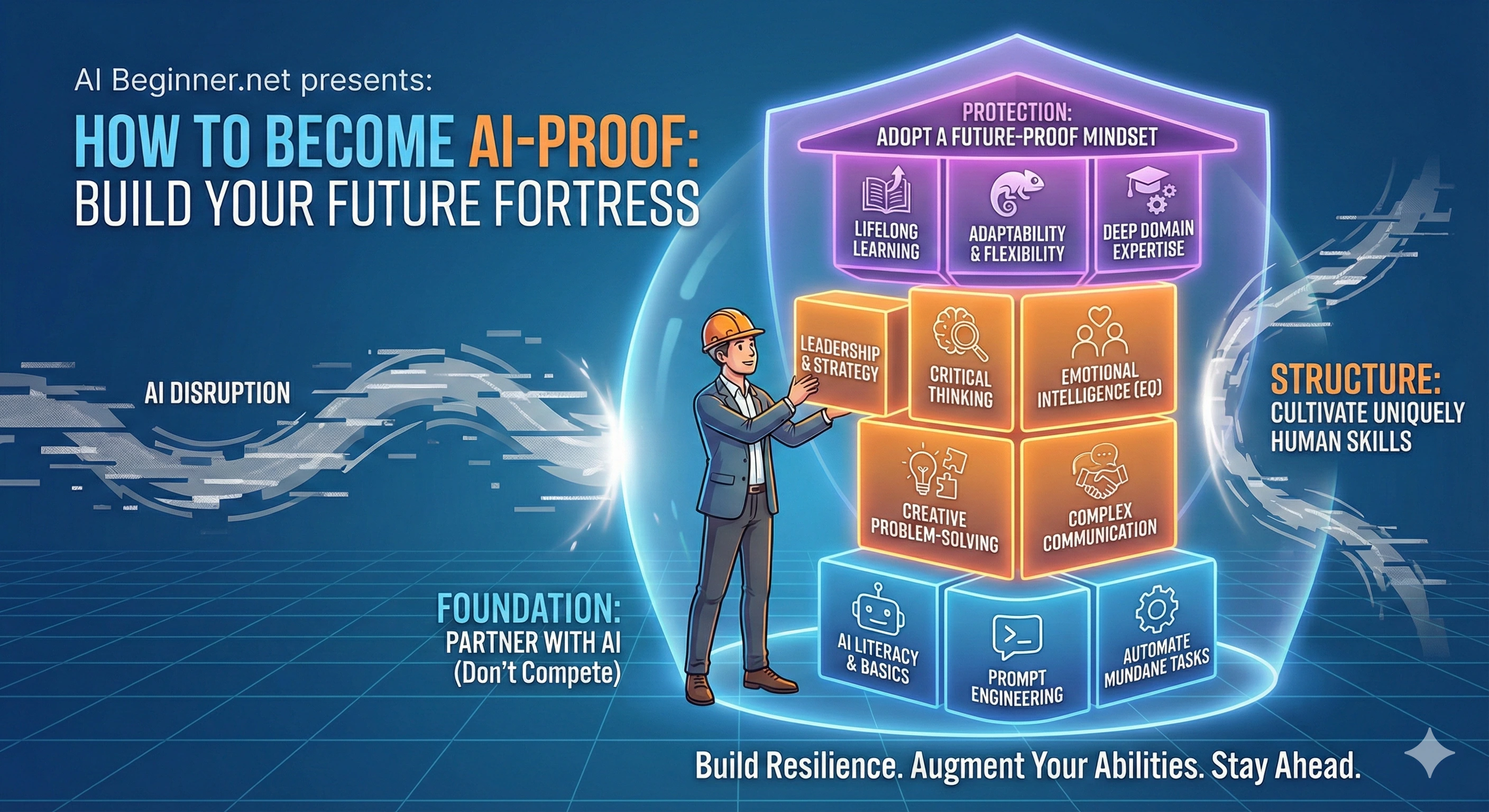
Want to become AI‑proof without turning into a “tech person”? Here’s the shortcut: stop asking AI random questions… and start giving it repeatable jobs.
This post gives you 10 copy/paste prompts that help you write faster, think clearer, learn quicker, and look wildly competent at work. Use them as‑is, or tweak the bracketed parts.
Before You Copy/Paste: The 20‑Second Prompt Upgrade
- Role: “Act as a project manager / editor / coach…”
- Context: What’s happening? Who is it for?
- Constraints: Length, tone, format, do/don’t do.
- Quality check: Ask for questions if unclear, and a second improved version.
If you’re brand new, start with AI Basics Explained, then explore the courses in the AI Beginner Academy — especially AI Skills Accelerator.
Top 10 AI Prompts to Become AI‑Proof
Tip: Replace anything in brackets like [this] with your details.
1. The AI‑Proof Plan (your 15‑minute weekly upgrade)
When to use it: Weekly planning and prioritization.
You are my AI coach. Ask me 7 quick questions (one at a time) about my job, goals, and pain points.
Then create a 1‑week AI‑Proof Plan with:
- 3 tasks I can automate or speed up
- 3 skills I can build (beginner-friendly)
- 3 small wins I can ship this week
- A simple checklist I can reuse every Friday.
Keep it practical, no jargon, and under 300 words.
Make it even better: Add a real example, then ask: “Give me one more version that’s 20% clearer and 20% shorter.”
2. Turn Messy Notes into a Perfect Summary (meetings, calls, podcasts)
When to use it: Any time you want a fast, high-quality result without overthinking.
Summarize the text below into:
1) 5 bullet key takeaways
2) action items (with owners + due dates if mentioned)
3) risks / open questions
4) a 2‑sentence executive summary
If something is unclear, list what you need to know. Text:
[PASTE HERE]
Make it even better: Add a real example, then ask: “Give me one more version that’s 20% clearer and 20% shorter.”
3. Write Like a Pro (without sounding like a robot)
When to use it: Any time you want a fast, high-quality result without overthinking.
Rewrite this for: [audience], [tone], and [goal].
Constraints: keep it under [X] words, use plain English, and preserve any facts.
Provide 3 options: concise, friendly, and confident.
Text: [PASTE]
Make it even better: Add a real example, then ask: “Give me one more version that’s 20% clearer and 20% shorter.”
4. The “I’m Stuck” Debugger (for work problems, not just code)
When to use it: Any time you want a fast, high-quality result without overthinking.
Act like a calm troubleshooting partner. I’m stuck on: [describe problem].
Ask up to 5 diagnostic questions first.
Then propose 3 likely root causes and a step-by-step fix plan for each.
End with: “If you only do one thing next, do this:” and pick the highest-leverage step.
Make it even better: Add a real example, then ask: “Give me one more version that’s 20% clearer and 20% shorter.”
5. Instant Expert Interview (learn anything fast)
When to use it: Any time you want a fast, high-quality result without overthinking.
Pretend you’re an expert in [topic]. Interview me for 3 minutes to find my current level and goal.
Then teach me using:
- a simple analogy
- the 80/20 essentials
- 3 common mistakes beginners make
- a short practice exercise
Keep it beginner-friendly and practical.
Make it even better: Add a real example, then ask: “Give me one more version that’s 20% clearer and 20% shorter.”
6. Decision Helper (reduce overthinking)
When to use it: Any time you want a fast, high-quality result without overthinking.
Help me decide between option A and option B.
First, ask 5 clarifying questions.
Then create a decision matrix with my criteria, assign reasonable weights, and score both options.
If the data is missing, state assumptions clearly.
End with a recommendation + a “reversible vs irreversible” check and the smallest safe next step.
Make it even better: Add a real example, then ask: “Give me one more version that’s 20% clearer and 20% shorter.”
7. Email / Message Generator (fast, human, polite)
When to use it: Any time you want a fast, high-quality result without overthinking.
Draft an email to [person/role] about [topic].
Tone: [friendly/confident/firm].
Include:
- a clear subject line
- 1-sentence context
- 3 bullet points (what I need / what I’m doing / what they can do)
- a simple call to action
Make it sound like a real person, not marketing.
Make it even better: Add a real example, then ask: “Give me one more version that’s 20% clearer and 20% shorter.”
8. The “Make Me Look Smart” Slide/Doc Builder
When to use it: Any time you want a fast, high-quality result without overthinking.
Create a one-page brief on: [topic].
Audience: [who].
Include: headline, problem, why it matters, 3 key points, 1 simple example, and next steps.
Use short sections and skimmable bullets.
Also give me 5 punchy titles and 5 SEO-friendly titles.
Make it even better: Add a real example, then ask: “Give me one more version that’s 20% clearer and 20% shorter.”
9. Career Armor (resume + LinkedIn + interview prep)
When to use it: Any time you want a fast, high-quality result without overthinking.
I’m applying for: [role]. Here is my experience: [paste].
1) Extract my strongest 6 achievements using the STAR format.
2) Rewrite my resume bullets to be impact-focused (numbers where possible).
3) Create a LinkedIn “About” section (150–200 words).
4) Generate 10 interview questions and strong sample answers tailored to me.
Make it even better: Add a real example, then ask: “Give me one more version that’s 20% clearer and 20% shorter.”
10. Reality Check Prompt (stop hallucinations + get citations)
When to use it: Any time you want a fast, high-quality result without overthinking.
For the answer you’re about to give:
- Separate what you KNOW from what you are GUESSING.
- If you’re unsure, ask me a clarifying question.
- Provide sources or citations when you reference facts.
- If you can’t cite, say “No reliable source available” and give a safe alternative (steps I can take to verify).
Now answer: [your question]
Make it even better: Add a real example, then ask: “Give me one more version that’s 20% clearer and 20% shorter.”
Make This a Habit (and You’ll Be Shocked)
Pick two prompts and use them for the next 7 days. You’ll feel it fast: fewer blank-page moments, fewer messy emails, and more “How did you do that so quickly?”
If you want a step-by-step, confidence-first path, check out AI Skills Accelerator — it’s built for beginners who want practical results.
FAQ
What does “AI‑proof” actually mean?
It means you can use AI to increase your value at work: faster output, clearer communication, better decisions, and smarter learning — without needing to be a coder.
Which AI tool should I use for these prompts?
Any modern assistant works (ChatGPT, Gemini, Copilot, Claude, etc.). The prompts are written to be tool‑agnostic — the magic is in the structure and the context you provide.
Do I need to paste sensitive company data into AI?
No. Keep confidential data out of public tools. Use placeholders, summarize, or use an approved enterprise AI solution if your organization provides one.
How do I get better results from the same prompt?
Add context (who/what/why), constraints (length, tone), examples (what “good” looks like), and ask for a second pass: “Now improve this by 20%.”
Can I save these as reusable templates?
Yes — store them in a notes app or a “Prompt Library” doc. Replace the bracketed parts and you’ll have repeatable results in seconds.
Where should a total beginner start?
Start with Prompt #2 (summaries) and Prompt #7 (emails). They give fast wins, build confidence, and immediately reduce busywork.